Electronic Visit Verification
(EVV) with Billiyo
Metro Home Health Care uses Billiyo as our Electronic Visit Verification (EVV) system to support accurate, compliant, and easy-to-use timekeeping for staff and clients.
EVV STANDS FOR
ELECTRONIC VISIT VERIFICATION
It is a technology that:
Confirms that home care visits happen at the right time, in the right place and for the right client.
Records key visit details such as date, time in and out, staff and location.
Helps ensure that services billed are the services actually provided.
Using an EVV system is an important part of meeting state and federal requirements for home care services. Billiyo supports compliance with DHS expectations by providing reliable, electronic records instead of paper timesheets.
BENEFITS
OF BILLIYO
FOR OUR STAFF AND CLIENTS
Billiyo makes clocking in and out simple and efficient:
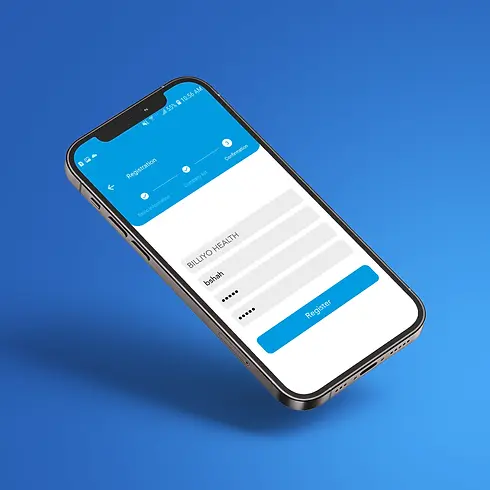
Easy smartphone app for recording visits
Reduces errors from handwritten timesheets
Supports accurate payroll and billing
Provides real-time documentation that services were delivered as scheduled
For our team, this means less paperwork and more time focused on client care. For clients and families, it offers greater confidence that services are being tracked correctly.
SUPPORT
FROM YOUR CASE MANAGER
When you begin working with Metro Home Health Care, We assign you an individual case manager in the office. Your case manager will:
Set up your Billiyo account
Create your work schedule in the system
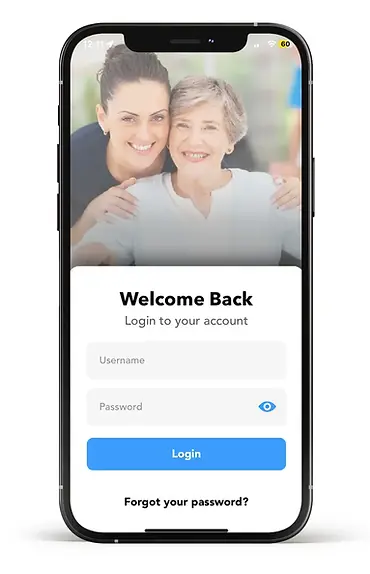
Walk you through how to log in, view your shifts, and use the app to clock in and out
You will receive step-by-step guidance so you feel comfortable using EVV before you start seeing clients on your own.
HOW TO DOWNLOAD BILLIYO APP
TO USE EVV ON YOUR PHONE
For Android Users:
1. Open the Google Play Store on your phone.
2. Search for “Billiyo Caregiver”.
3. Select the official Billiyo app and tap “Install”.
For iPhone Users:
1. Open the App Store on your phone.
2. Search for “Billiyo Caregiver”.
3. Select the official Billiyo app and tap “Get” to download.


After installation, your case manager will provide your login information and help you sign in for the first time.
HOW TO USE
BILLIYO
DURING YOUR SHIFT
Once your account and schedule are set up, you will use the Billiyo app to record each visit:
Open the Billiyo app on your smartphone at the start of your shift.
Select the scheduled client visit from your list.
Clock in by tapping the “Clock In” or “Start Visit” button when you arrive at the client’s home.
Provide the authorized services during your visit, according to the care plan.
Clock out by tapping the “Clock Out” or “End Visit” button when you finish services.
Review and submit any required visit notes or tasks, if prompted by the app.
If you ever have questions or run into issues with EVV or Billiyo, your case manager and our office staff are available to assist you.
